> ## Documentation Index
> Fetch the complete documentation index at: https://docs.boothmaven.com/llms.txt
> Use this file to discover all available pages before exploring further.
# Task Lists
> Organize leads into actionable follow-up lists for your sales team.
## Chapter 9: Task Lists
Task Lists help you organise contacts and follow-up activities. Think of a list as a folder — you create a list (e.g. "Hot Leads to Call", "Demo Requests"), then add contacts to it. Lists are visible to your whole team.
### 9.1 The Task List View
Navigate to **Task List** from the main menu. All lists are shown with name, contact count, and creation date.
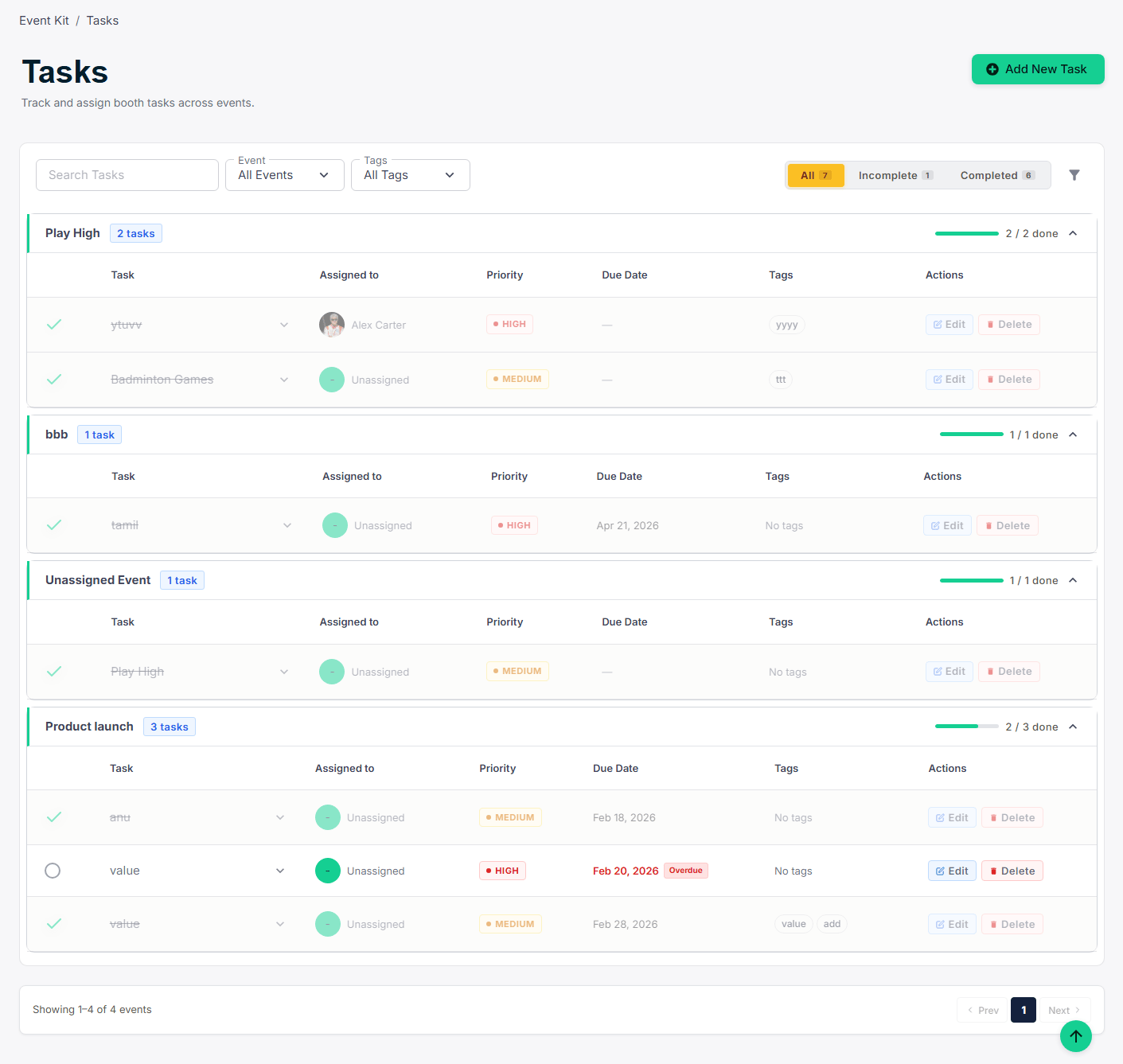 *▲ Task Lists — all contact lists with contact counts*
### 9.2 Creating a New List
Click **Create List**, give it a name and optional description, then click **Save**. Add contacts via **Contacts → Bulk Actions → Add to List**, or from any contact's detail page.
*▲ Task Lists — all contact lists with contact counts*
### 9.2 Creating a New List
Click **Create List**, give it a name and optional description, then click **Save**. Add contacts via **Contacts → Bulk Actions → Add to List**, or from any contact's detail page.
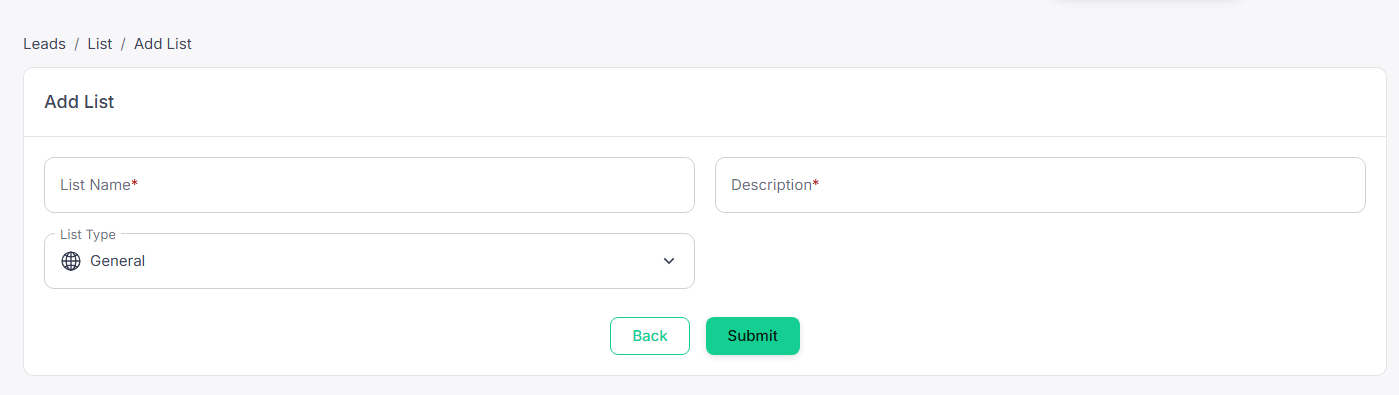 *▲ Create List form — name and description for your new contact list*
***
This documentation is built and hosted on [Mintlify](https://mintlify.com), a developer documentation platform.
*▲ Create List form — name and description for your new contact list*
***
This documentation is built and hosted on [Mintlify](https://mintlify.com), a developer documentation platform.