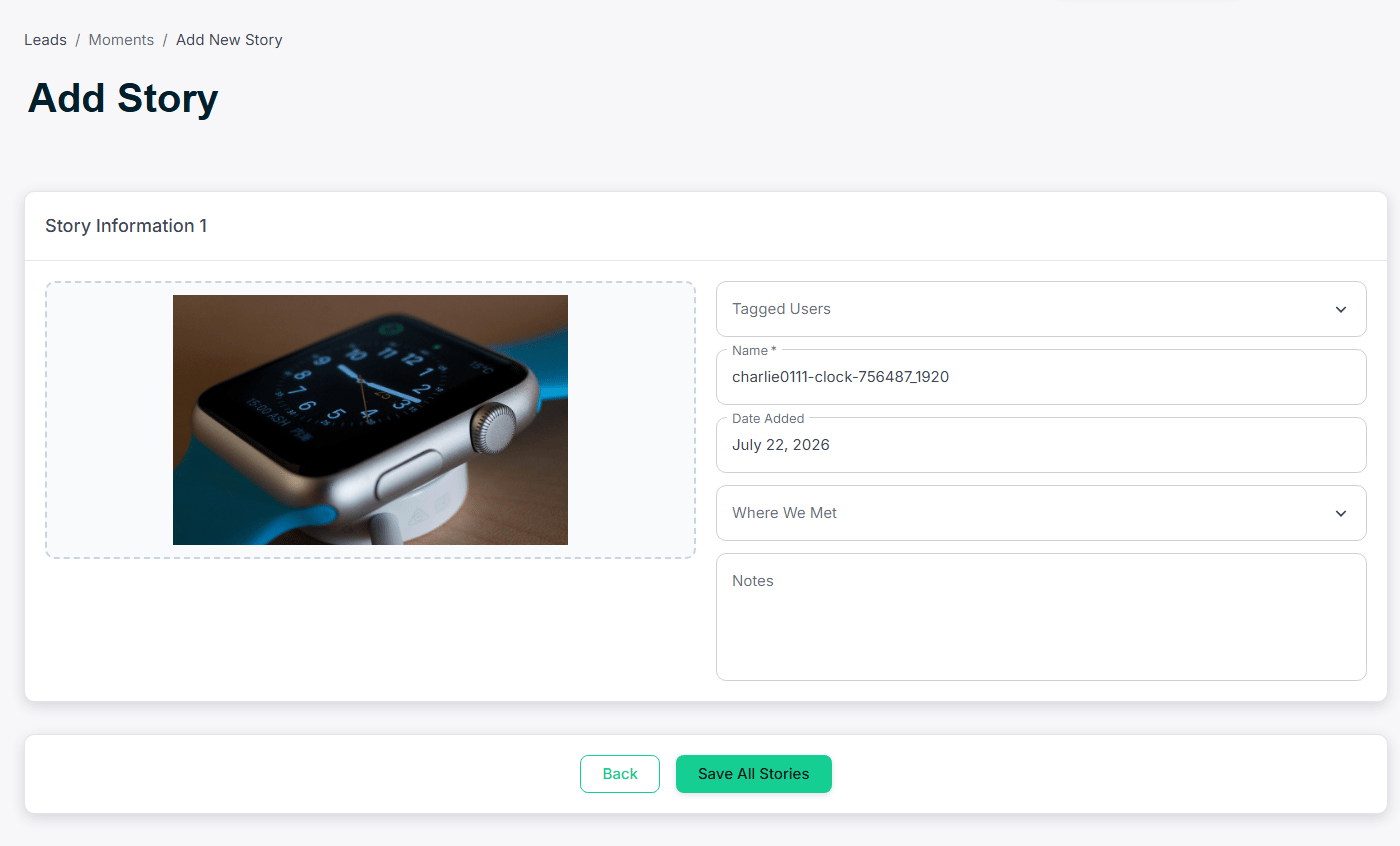

Chapter 7: Stories
Stories are short-form, social-style content pieces — similar to Instagram Stories — that staff can share with visitors on the show floor. Great for product demos, behind-the-scenes clips, and event highlights. Managed under My Pages → Stories.7.1 The Stories Library
Displays all created stories with name, status, and creation date. Toggle published status, create new stories, or edit existing ones. Staff can also view and share stories from the Mobile App.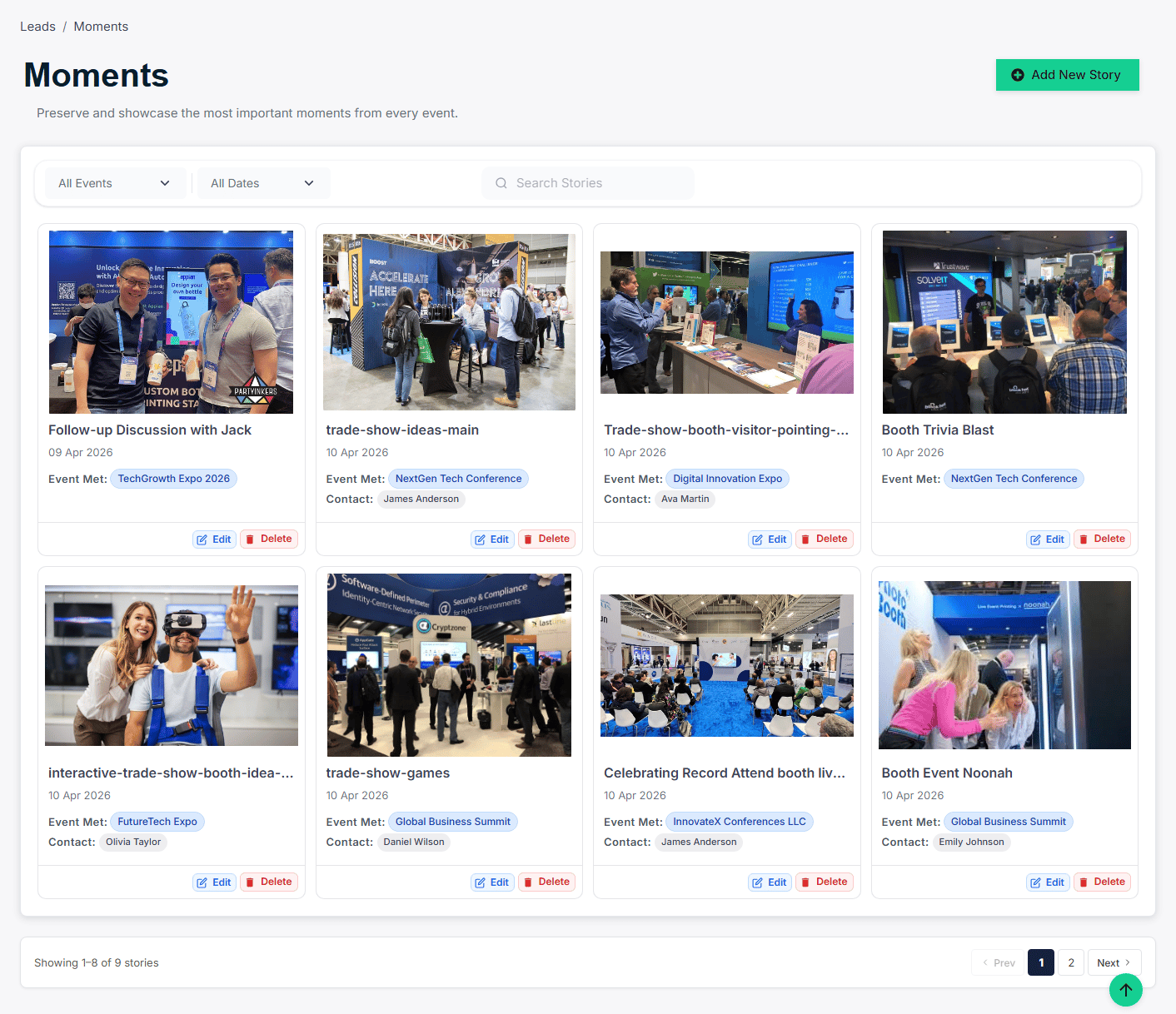
7.2 Creating a Story
Click Add New Story. Give it a title and add slides — each slide can contain an image, short video, or text overlay. Reorder slides by dragging. Set to Published so staff can share it from the mobile app.