
Chapter 9: Task Lists
Task Lists help you organise contacts and follow-up activities. Think of a list as a folder — you create a list (e.g. “Hot Leads to Call”, “Demo Requests”), then add contacts to it. Lists are visible to your whole team.9.1 The Task List View
Navigate to Task List from the main menu. All lists are shown with name, contact count, and creation date.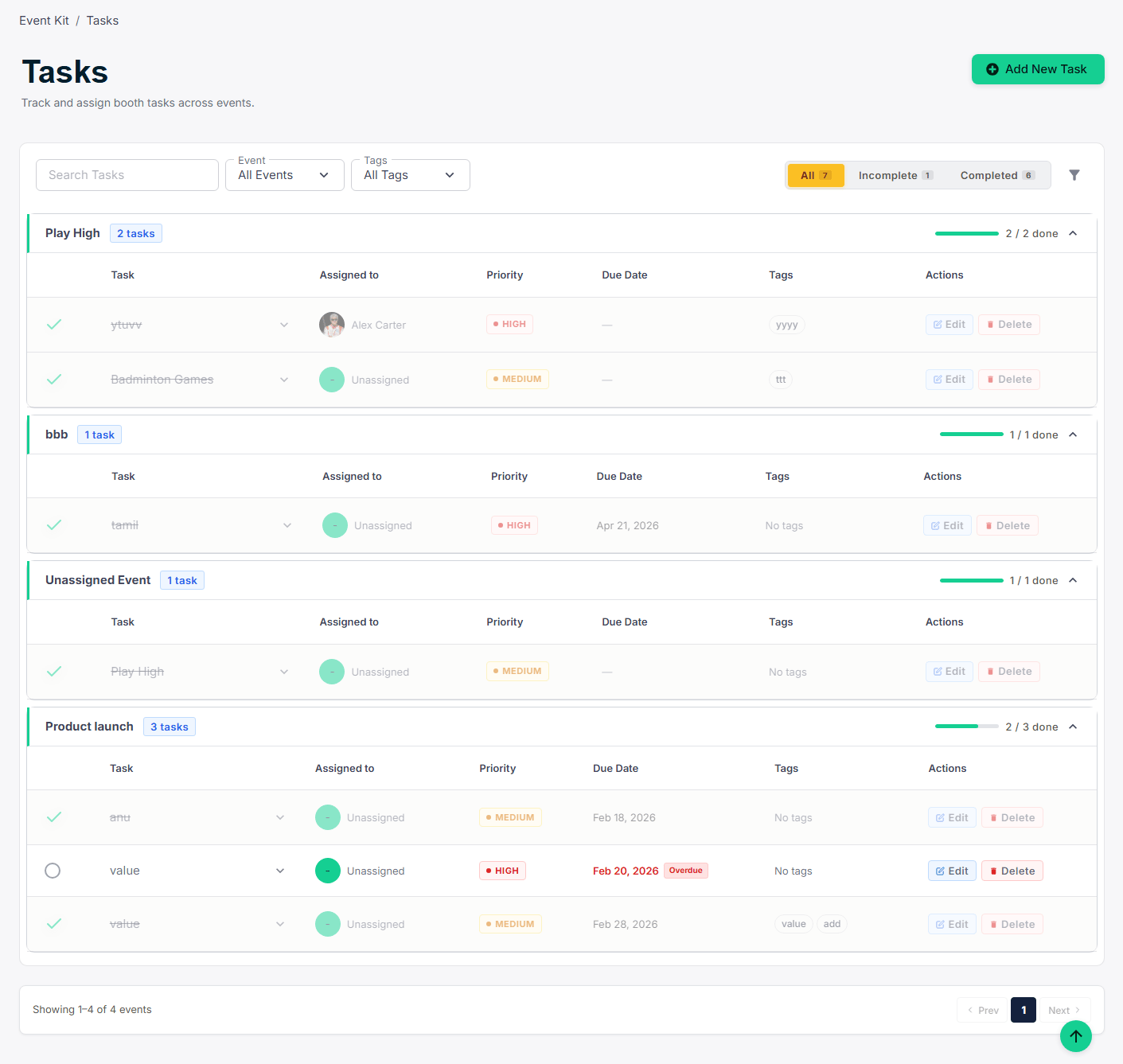
9.2 Creating a New List
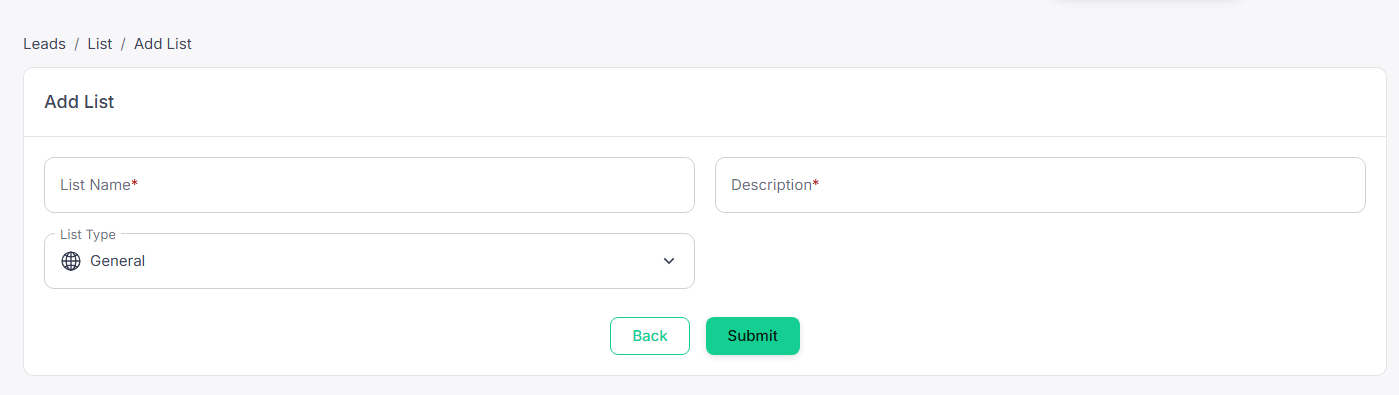
Click Create List, give it a name and optional description, then click Save. Add contacts via Contacts → Bulk Actions → Add to List, or from any contact’s detail page.